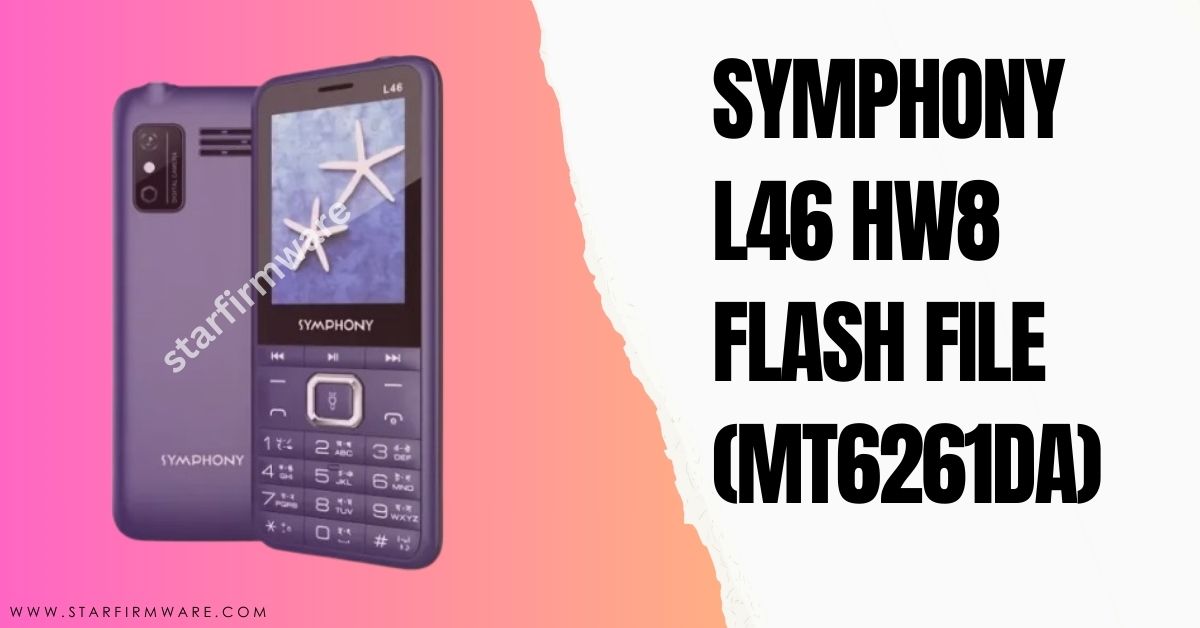

Hi there, Are you searching for the Symphony L46 HW8 Flash File? You’ve come to the right place. Here is a link to gather all the materials to install the stock firmware. For example, all the information including the flash tool, USB drivers, and flashing guide are clearly mentioned. So that you can understand everything about it before downloading the Symphony L46 HW8 flash file. Follow the paragraphs below for details.
The Symphony L46 HW8 Flash File MT6261DA, you can use it to fix almost all the software related problems to your mobile device. Such as: Dead Mode Recovery, Hang LCD, Black or White Display, Re-install, Downgrade, Upgrade, Pin Code Remove, Privacy Code Unlock, Password Unlock, Repair IMEI, Full Flash after Hardware Change etc.
Our review
We are scanning it with a powerful Antivirus to ensure security, after saving it by reading from a new mobile phone with the Chinese Miracle (CM2) update tool. Also, we have provided our website after testing by our skilled technicians. So you can download and use our Symphony L46 HW8 flash file without any doubt. Hopefully the desired result awaits you.
Download Symphony L46 HW8 Flash File
Here is a direct link to download Symphony L46 HW8 Flash File (Stock Firmware). From which you can easily download your desired flash file. But yes, before downloading, read all the information section of stock ROM carefully.
- File Name: Symphony L46 HW8
- Processor: MediaTek
- Chipset: MT6261DA
- File Type: BIN
- File Size: 4MB
How to Flash
You can flash with Miracle or CM2MTK tool in a flash file. If you don’t know how to install or flash firmware files or you don’t have the tools, you can easily follow our rules without any kind of device. See the Requirements section to find all the things you need.
Re-require
- A Windows PC or laptop
- An advanced quality USB cable
- A USB driver software that will help connect Windows and mobile devices.
- A box device or crack flash tool.
Steps to Flash
- Download and extract the Symphony L46 HW8 Flash File on your PC for ready for install.
- Install USB driver on your windows.
- After installing, open the flash tool on your Windows PC.
- Go to MTK section on your tool.
- Click to check mark on WRITE.
- Next select chipset model to MT62xx
- Now click on WRITE FLASH tab. (If you use the Miracle tool, press the START button).
- Click and Hold boot key on mobile keypad (No want to use Miracle Boot JIG).
- Connect your mobile device to the PC via USB cable.
- Now! Your firmware installing process has started, wait until it is finished flash.
If you attend all the rules I have shown, you can easily flash without any box. Inshallah.
However, if you want to know extra or you can comment on any problem. I will try to reply as soon as possible. Thank you.