
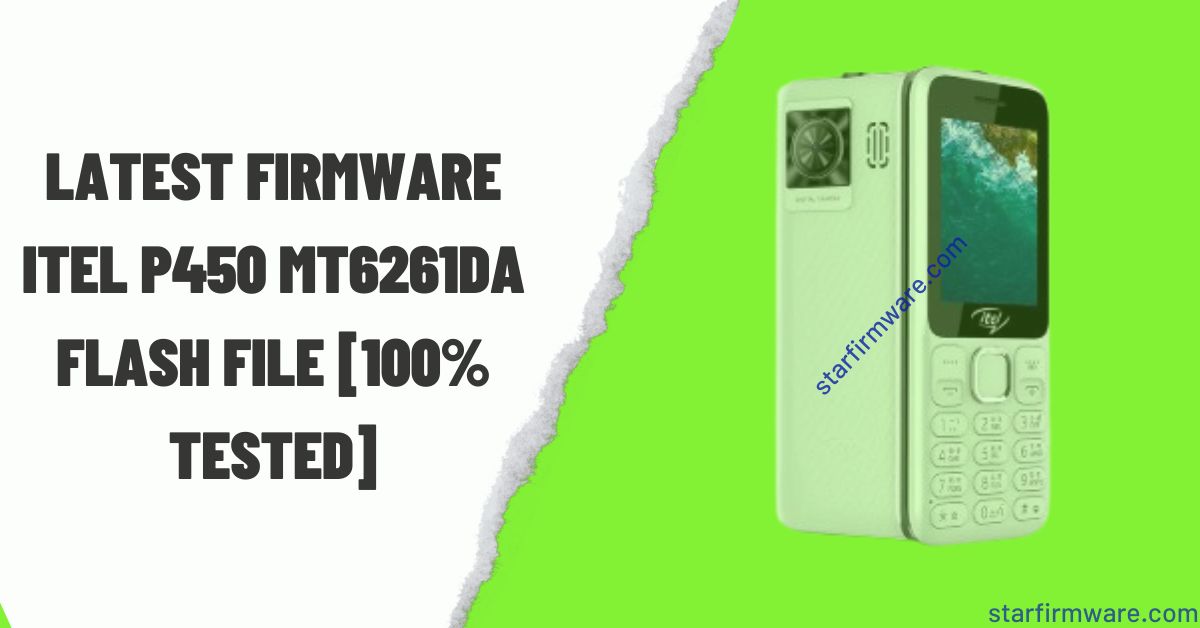
Hi there, Are you searching for the Itel P450 MT6261DA Flash File? You’ve come to the right place. Here is a link to gather all the materials to install the stock firmware. For example, all the information including the flash tool, USB drivers, and flashing guide are clearly mentioned. So that you can understand everything about it before downloading the Itel P450 MT6261DA Flash File. Follow the paragraphs below for details.
Table of Contents
The Itel P450 MT6261DA Flash File, you can use it to fix almost all the software related problems to your mobile device. Such as: Dead Mode Recovery, Hang LCD, Black or White Display, Re-install, Downgrade, Upgrade, Pin Code Remove, Privacy Code Unlock, Password Unlock, Repair IMEI, Full Flash after Hardware Change etc.
Overview: Itel P450 MT6261DA Flash File (Stock Firmware)
We are scanning it with a powerful Antivirus to ensure security, after saving it by reading from a new mobile phone with the Chinese Miracle (CM2) update tool. Also, we have provided our website after testing by our skilled technicians. So you can download and use our Itel P450 MT6261DA Flash File without any doubt. Hopefully the desired result awaits you.
Download Itel P450 MT6261DA Flash File (100% Tested)
Here is a direct link to download Itel P450 MT6261DA Flash File Stock Firmware. From which you can easily download your desired flash file. But yes, before downloading, read all the information part of the stock ROM carefully.
| File Name | Itel P450 |
| Chipset | MT6261DA |
| File Type | Bin |
| Password | No |
| File Size | 4MB |
| Firmware Version | Itel P450 MT6261DA |
| File Status | 100% Tested |
| Supported Tool | MTK Flash Tool |
How to Flash Itel P450 MT6261DA (Stock Firmware)
You can flash with any box device or free crack tool in a flash file. If you don’t know how to install or flash firmware files or you don’t have the tools, you can easily follow our rules without any kind of device. See the Requirements section to find all the things you need.
Re-require
- A Windows PC or laptop
- An advanced quality USB cable
- A USB driver software that will help connect Windows and mobile devices.
- A box device or crack flash tool.
Steps to Flash Itel P450 MT6261DA
- Download and extract the Itel P450 MT6261DA on your PC ready for install.
- Install USB drivers on your windows.
- After installing, open the flash tool on your Windows PC.
- Go to the MTK section on your tool.
- Click to check the mark on WRITE.
- Next select the chipset model to MT6261DA.
- Now click on the WRITE FLASH tab. (If you use the Miracle tool, press the START button).
- Click and Hold boot key on mobile keypad (No want to use Miracle Boot JIG).
- Connect your mobile device to the PC via USB cable.
- Now! Your firmware installing process has started, wait until it is finished flash.
Our Declaration
- Before installing the Itel P450 MT6261DA Stock ROM take a complete backup of the Firmware and personal Data of your device. however all data will be erased or deleted by flashing the firmware.
- The mobile phone company officially releases the mobile device and Stock firmware. It helps to recover the mobile phone device, for example, Unlock bootloop, Privacy Lock, Dead Recovery, Remove Hang Starting Logo, and any of the Software issues.
- Your device should be at least 70% charged so that it doesn’t accidentally turn off during the firmware installation process.
- Also, if you have any more questions regarding flashing this phone, please let us know in the comments, we will try to provide an easy answer. <—– InshaAllah—–>
Conclusion
If you follow all the rules I have shown, you can easily flash without any box. Inshallah.
However, if you want to know more or you can comment on any problem. I will try to reply as soon as possible obviously. Thank you.